
Bottom Line: Blender isn't just a free alternative to the titans of 3D creation; it's a full-fledged production powerhouse that has earned its place in professional studios. Its astonishing breadth of features is matched only by its notoriously steep learning curve, demanding commitment but rewarding it tenfold.
The Learning Cliff
Let's get this out of the way: Blender is not easy. For years, its interface was its greatest enemy, a famously obtuse wall of hotkeys and non-standard conventions that actively repelled newcomers. The 2.8 release was a watershed moment, sanding down the roughest edges with a more conventional UI, including a left-click-select default that drew a symbolic line in the sand. Yet, to call the initial user experience a "learning curve" is a kindness. It is a vertical cliff face. The sheer density of features means every corner of the UI is packed with panels, editors, and esoteric properties.
This initial onboarding friction is the price of entry for a tool of immense power. Where other applications hold your hand, Blender hands you a textbook and expects you to read it. The reward for this intellectual investment, however, is an operational speed that is difficult to match. Veteran Blender users navigate the software with a flurry of keyboard shortcuts that becomes a second language, achieving a state of flow that mouse-driven menus simply cannot replicate. The interface isn't designed for casual discovery; it's designed for high-frequency, professional use.
A Studio in a Box
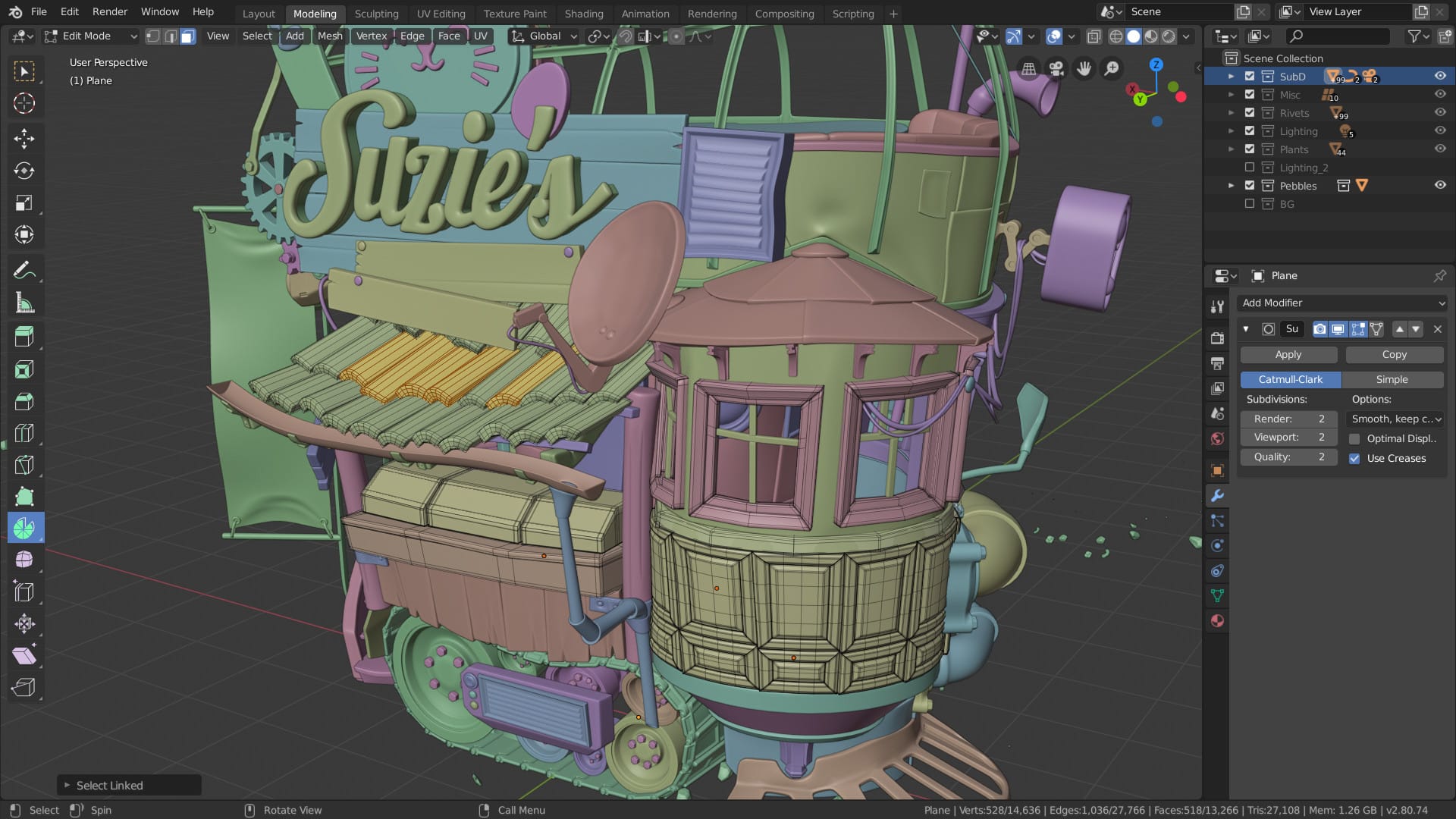
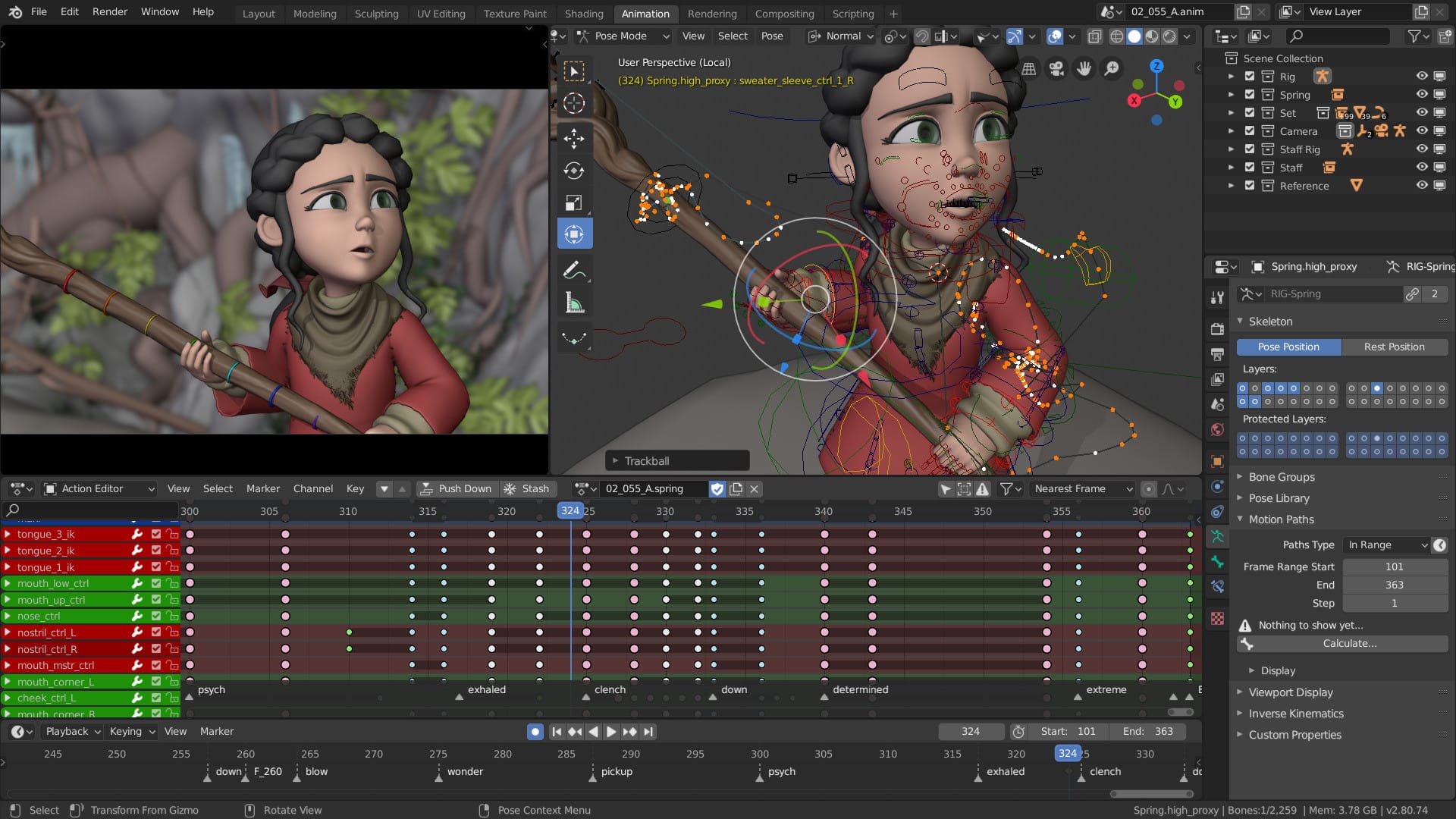
The true marvel of Blender is its scope. The modeling tools are robust, offering precise polygonal control alongside a surprisingly fluid digital sculpting workflow that holds its own against specialized apps like ZBrush for many tasks. The animation system is world-class, with advanced rigging options, a non-linear animation editor, and character animation tools that are more than capable of producing feature-film quality work.
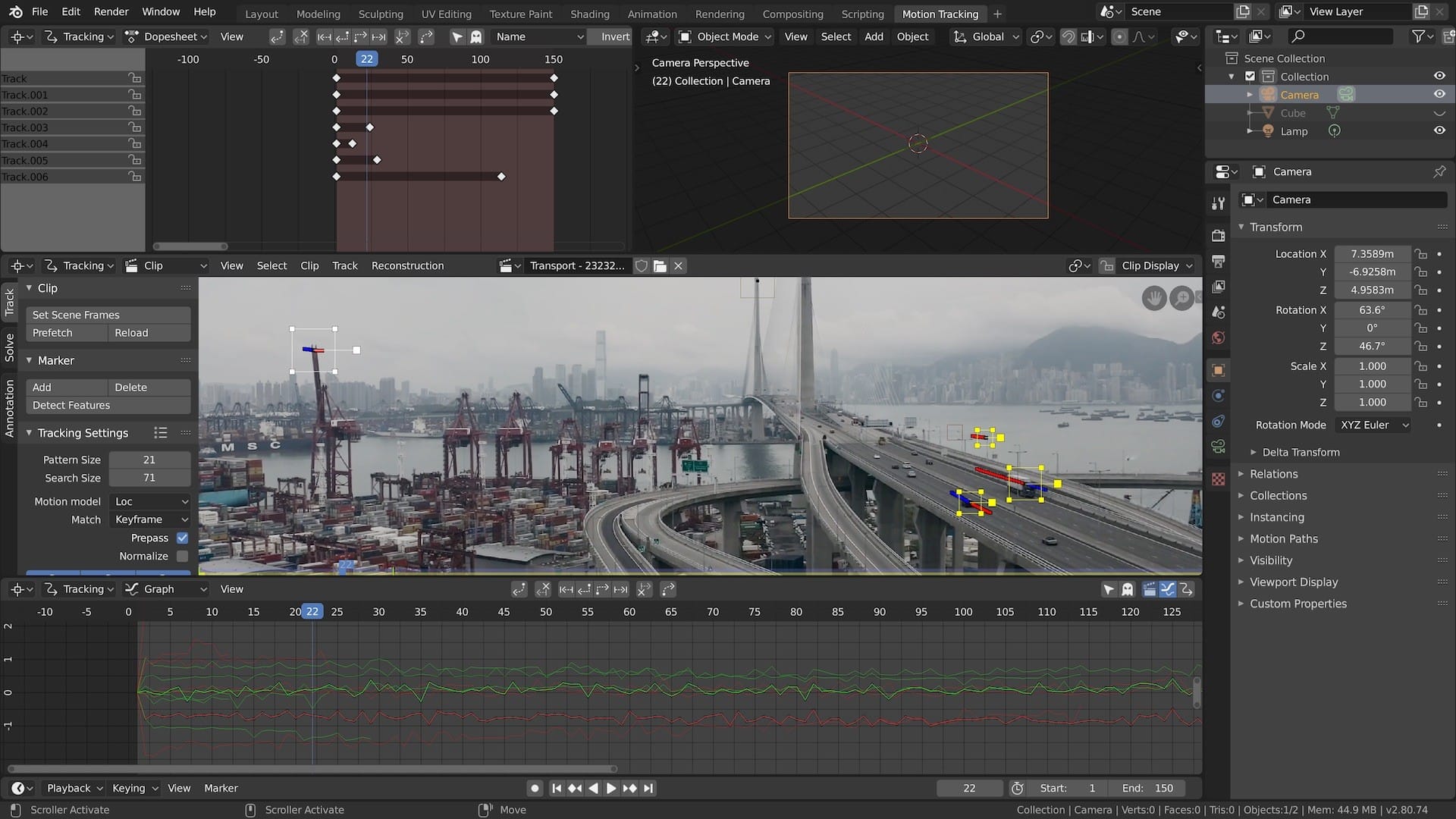
Then you have the extras, which would be standalone products in any other ecosystem. A full-fledged physics simulation engine can create realistic smoke, fire, cloth, and fluid dynamics. A node-based compositor allows for sophisticated post-processing effects directly on your rendered images. There's even a built-in video sequence editor (VSE). While the VSE won't replace a dedicated NLE like DaVinci Resolve or Premiere Pro for complex projects, it is perfectly capable of sequencing rendered frames, adding audio, and performing basic cuts—often all an animator needs to assemble a final shot. This integration is the killer feature. Tweaking a model, adjusting an animation, re-rendering, and compositing the new shot can all happen in one fluid session.
The EEVEE and Cycles Dichotomy
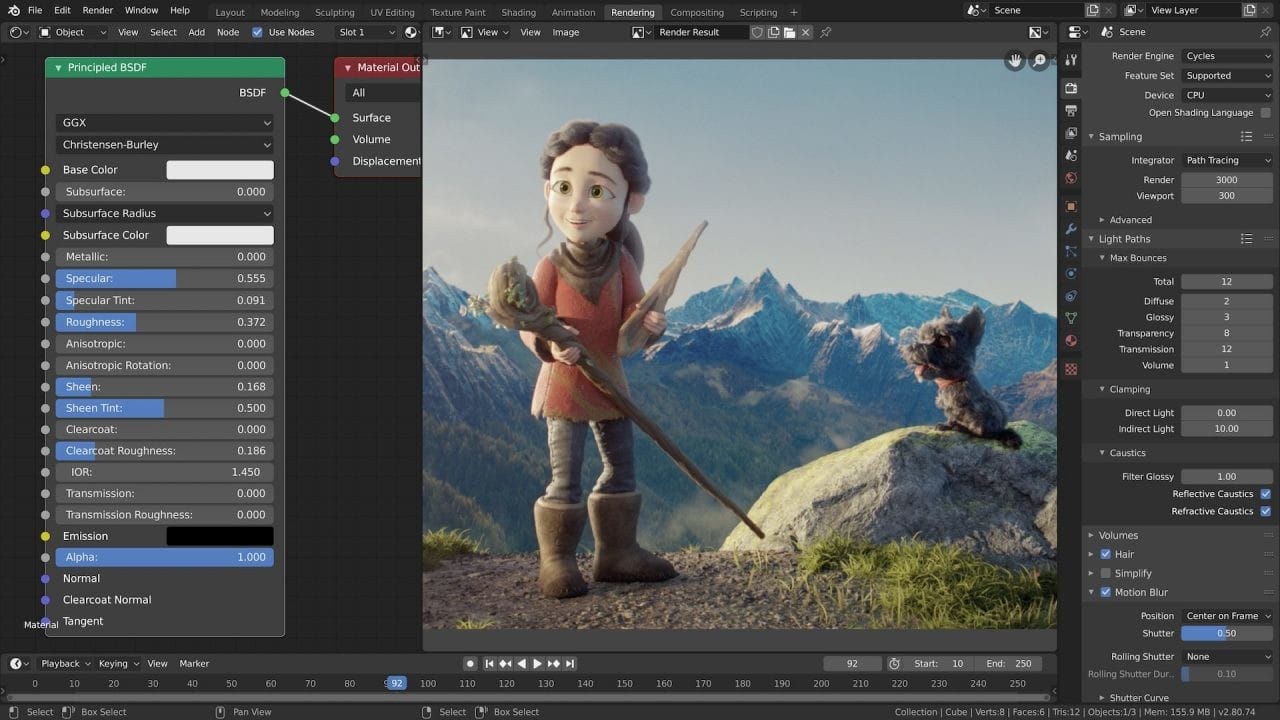
The inclusion of two distinct, powerful render engines is perhaps Blender's most significant technical advantage. Cycles is the workhorse, a production-proven path tracer that produces stunningly realistic lighting, shadows, and materials. It goes toe-to-toe with industry-standard renderers like Arnold and V-Ray, and with modern GPU acceleration, its performance is formidable.
But it was the introduction of EEVEE that truly changed the calculus. EEVEE is a real-time rasterization engine that functions like a high-end game engine renderer built directly into the viewport. The impact cannot be overstated. It provides instant, physically-based feedback on materials and lighting, allowing artists to iterate at the speed of thought. What used to require minutes of waiting for a render to resolve now happens instantaneously. For animators, it provides high-quality previews that are good enough for final output in many style-driven projects. This dual-engine approach gives artists the best of both worlds: the immediate feedback of real-time and the uncompromising quality of path tracing.