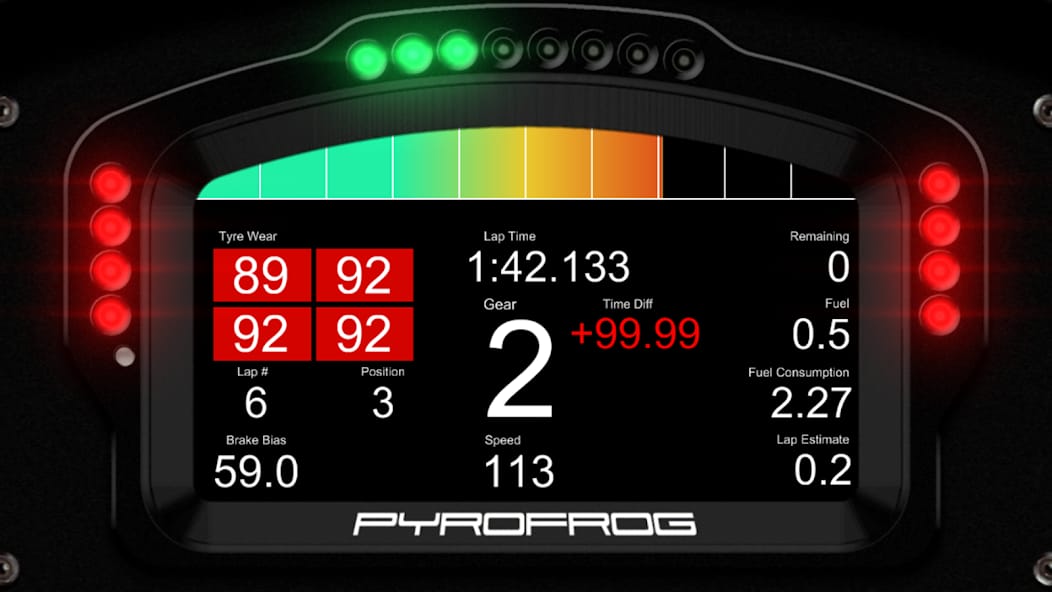
Bottom Line: DashPanel offers an unparalleled level of customization for PC power users and simulation enthusiasts, transforming any spare screen into a powerful, tactile control surface. It's a brilliant utility for those willing to invest the time in setup, but it is not a plug-and-play solution.
The true genius of DashPanel lies in its understanding of the power-user mindset. It operates on the principle of invested value—the utility a user derives from the app is directly proportional to the effort they put into configuring it. This is not an app for the casual user seeking a simple, immediate solution. The initial experience can be daunting, as the blank canvas of the editor and the requirements of network configuration present a steeper learning curve than most mobile applications.
The Workflow Revolution
For its target audience, DashPanel is a workflow catalyst. The primary benefit is the radical reduction in context-switching. By offloading critical data or frequently used commands to a dedicated, always-on display, the user can maintain focus on their primary screen. In a racing simulator, this means keeping your eyes on the track instead of glancing at an in-game UI overlay. In a productivity context, it eliminates the need to alt-tab away from a timeline or IDE to execute a command or check a status. This centralization of information and control is the app's core value proposition. It declutters the primary workspace while simultaneously providing more immediate access to a personalized toolset.
A Tinkerer's Paradise
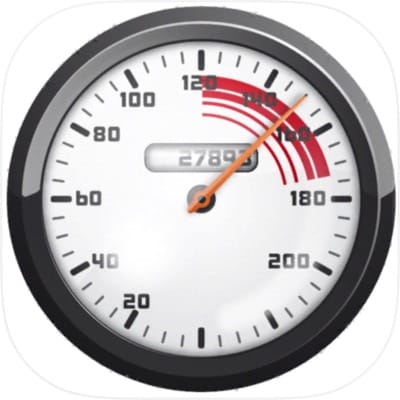
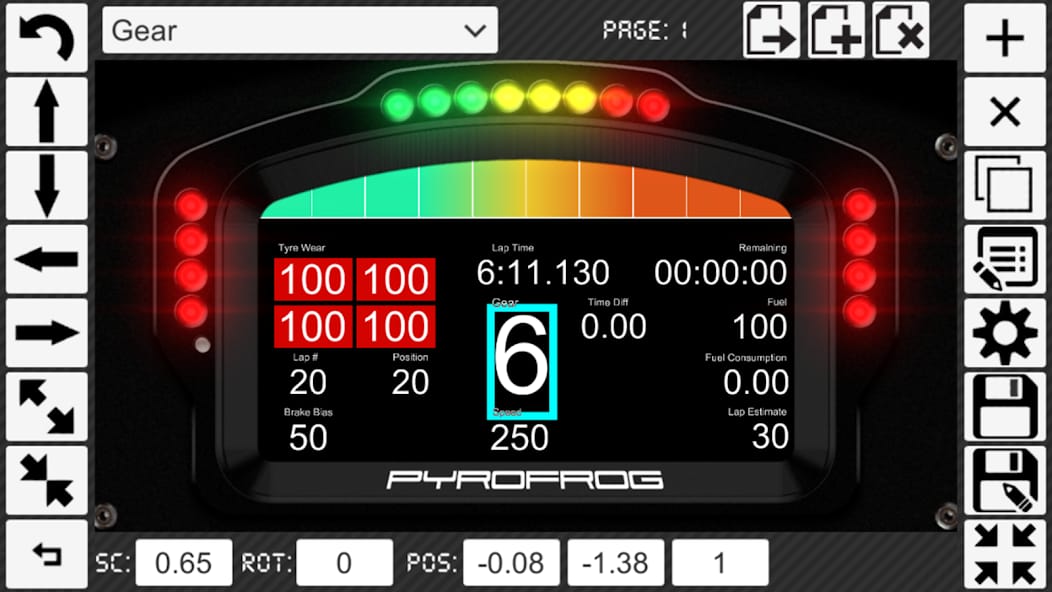
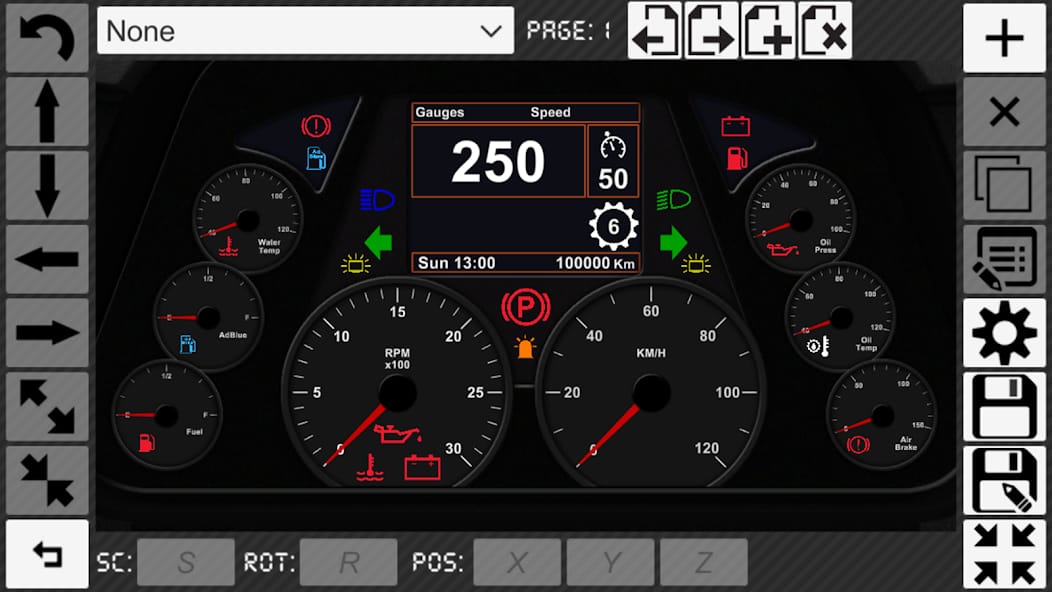
The setup process is where DashPanel both shines and stumbles. The user acts as designer, programmer, and integrator. You must first install the host software on the PC, ensure the mobile device is on the same network, and then begin the intricate process of building a layout. Widgets must be linked to specific data sources (e.g., engine RPM from the simulator, CPU usage from the system) and buttons must be mapped to the desired keystrokes. This granular control is immensely powerful. One could, for example, create a button that flashes when a specific event occurs, or a gauge that changes color above a certain threshold. However, this also means that a non-trivial amount of time is spent in the editor, iterating on designs. The feedback from the AppBrain community, which centers on reliability and the complexities of profile setup, underscores this reality: this is a tool for the patient and methodical user.