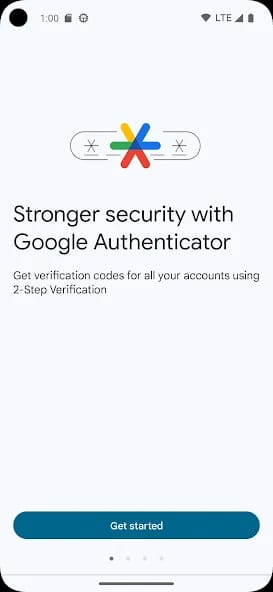
Bottom Line: Google Authenticator is the quintessential two-factor authentication (2FA) utility—a stripped-down, brutally efficient tool that prioritizes security and simplicity over all else. It's the industry's default choice for a reason: it's reliable, fast, and does its one job flawlessly.
The user experience of Google Authenticator is a masterclass in focused design. Its entire workflow is engineered for speed and minimal cognitive load, adhering to the principle that the best security is the kind you barely notice.
The Onboarding Flow
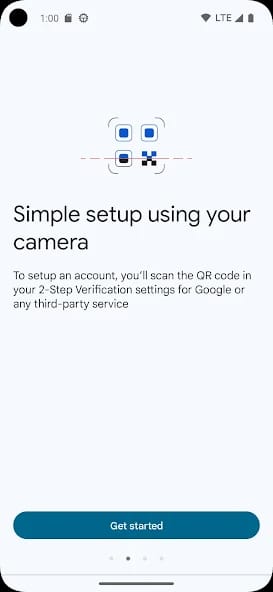
Setting up a new account in Authenticator is the most interaction a user will typically have with its interface. The process involves navigating to the security settings of a third-party service (like Gmail, Twitter, or a bank), selecting the option to enable 2FA via an authenticator app, and then using Authenticator to scan the resulting QR code. The app instantly recognizes the service, names the entry, and begins generating codes. There are no complex settings to configure, no tutorials to sit through. The app presents a red '+' button, the user taps it, points their camera, and the connection is made. This near-frictionless onboarding is a primary driver of its widespread adoption. It successfully abstracts the complexity of the underlying cryptographic exchange into a simple, universal action.
The Core Utility Loop
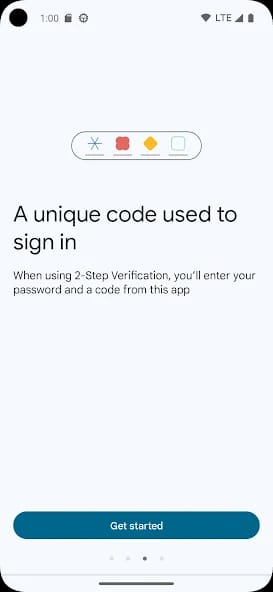
Once set up, the app recedes into the background of a user's digital life, only surfacing for the brief moments it is needed. The "gameplay loop," in this context, is the act of logging in. A service prompts for a 2FA code. The user opens Google Authenticator, glances at the 6-digit code for the corresponding service, and types it in. The codes are presented in a clean, legible list, often with the service's favicon for quick identification. A small, circular timer next to each code indicates how long until it refreshes, providing a subtle but effective visual cue to prevent the user from entering an expiring code. This interaction is intentionally spartan. The app’s success is measured by how quickly the user can open it, retrieve the necessary information, and close it. There are no unnecessary animations, no promotional pop-ups, no engagement-driven features. It is a tool in the purest sense of the word: it exists only to perform its function when called upon.
Simplicity as a Feature (and a Trade-off)
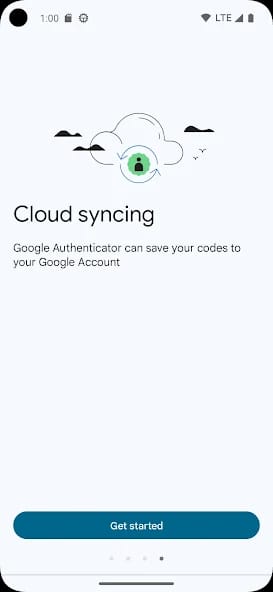
In a market where competitors like Authy offer richer feature sets—such as encrypted cloud backups independent of a Google account, multi-device management, and desktop clients—Google Authenticator’s minimalism is a deliberate strategic choice. It eschews these power-user features in favor of an ironclad commitment to simplicity. This makes it less intimidating for non-technical users and positions it as a reliable, "set-and-forget" solution. The recent addition of Google Account sync was a significant concession, and a controversial one for security purists. While it solves the massive user pain point of device migration, it also ties the security of all linked accounts to the security of one’s Google Account, creating a potential single point of failure. It is a trade-off between absolute security and practical convenience, and for the vast majority of its target audience, it's a welcome one.