
Bottom Line: iA Writer is a masterclass in disciplined design, offering a monastic, distraction-free environment that forces you to focus on the words themselves. It’s not for everyone, but for the focused writer, it’s close to perfection.
The central thesis of iA Writer is that the act of writing is distinct from the act of formatting, and that conflating the two is a primary source of friction and procrastination. The application is the purest expression of this thesis I have ever encountered. To use iA Writer is to buy into this philosophy, and its success depends almost entirely on how well that philosophy resonates with your own workflow.
The Austere Environment
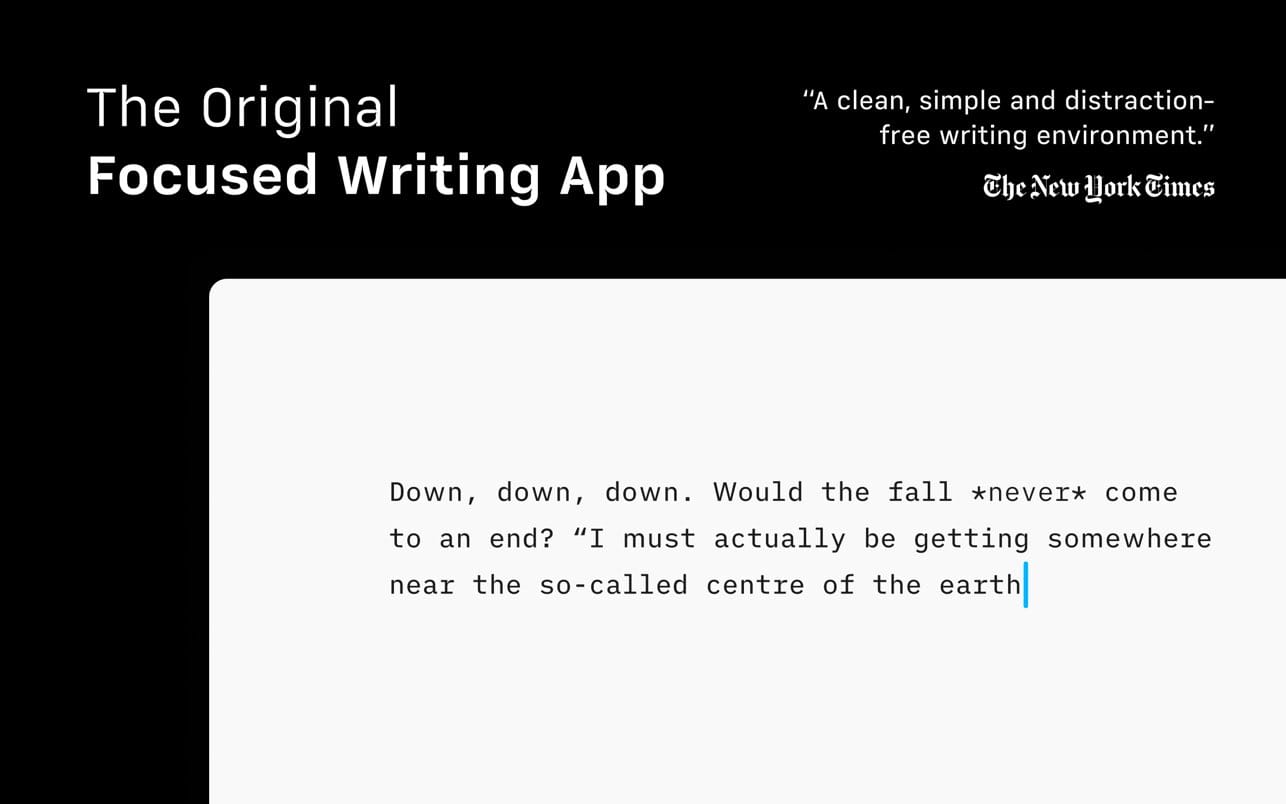
Opening the app for the first time is an exercise in reduction. You are presented with little more than a blinking cursor on a stark, off-white background. There are no rulers, no style dropdowns, no ribbon menus. This isn't just minimalism; it's a functional void. This initial austerity can be jarring. Where are the settings? How do I change the font? The app’s design forces an immediate confrontation with the text itself. It’s a bold, almost arrogant move that pays off handsomely once you adapt. The absence of visual noise creates a powerful sense of calm, allowing thoughts to flow with less resistance.
The much-lauded Focus Mode is the heart of this experience. By dimming everything but the sentence you are actively typing, it creates a "typewriter" effect that pulls you forward through your draft. It sounds like a simple gimmick, but in practice, it’s remarkably effective at silencing the inner editor that constantly tempts you to go back and endlessly revise the previous paragraph. It’s a subtle form of behavioral design that nudges you toward completion.
The Writer's Toolkit, Reimagined
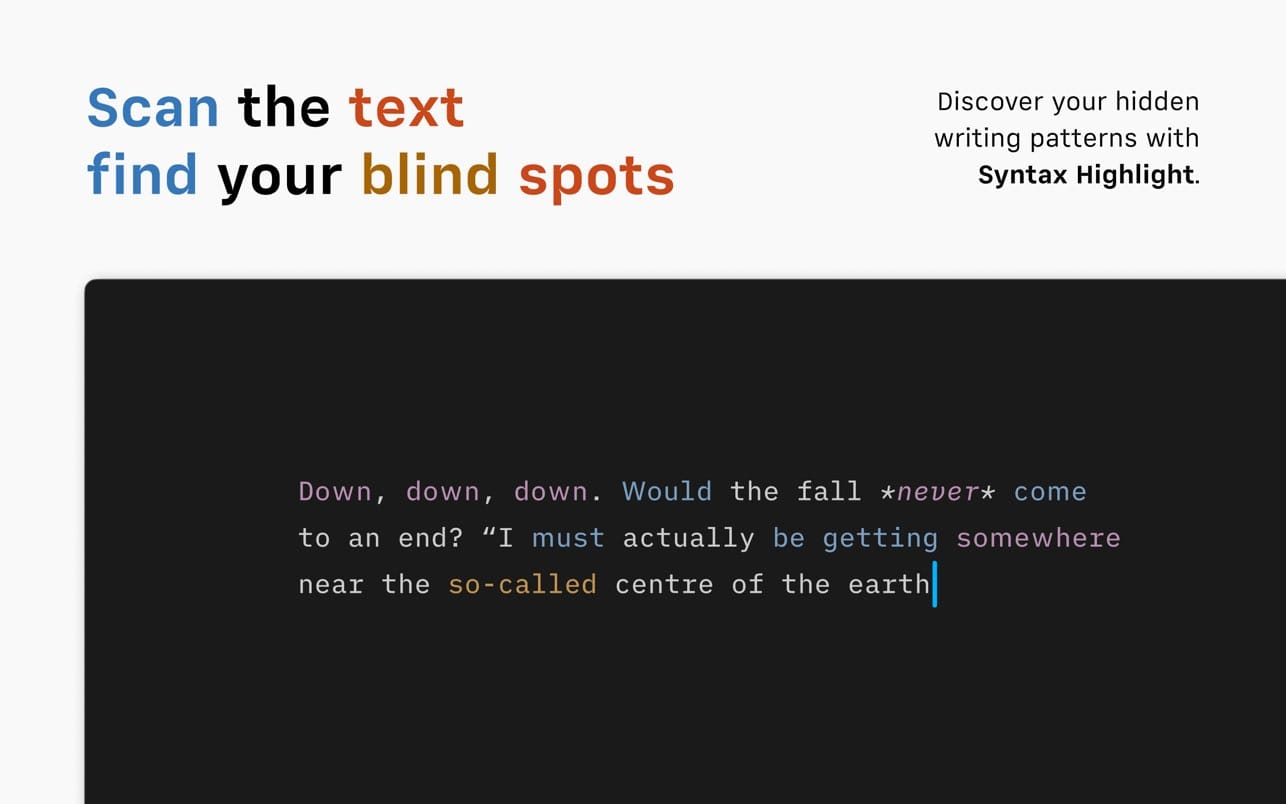
While it eschews traditional tools, iA Writer provides its own set of sophisticated, text-centric aids. Syntax Highlight is a brilliant example. It doesn't "correct" your writing; it reveals its patterns. By making all your adjectives blue, for instance, it provides a stark visual representation of whether you're over-relying on descriptors. This is a far more insightful approach than a simple grammar check, teaching you to be a better writer by making you more aware of your own linguistic habits.
The integration of Markdown is another cornerstone. Instead of clicking a 'B' button to bold text, you type **text**. This might seem archaic to some, but it means your hands never have to leave the keyboard, and your document remains a clean, portable .txt or .md file. It's a system built for speed and efficiency, and it separates the structure of the document (headings, lists, quotes) from its final visual presentation, which is precisely the point. The document library, which works directly with files on your device or in the cloud, reinforces this. There are no proprietary formats, no databases to get corrupted. It's just your text, organized in your folders, available everywhere.