
Bottom Line: LocalSend is the file-sharing utility your phone should have had from the start, offering a fast, private, and platform-agnostic solution that puts the clumsy efforts of tech giants to shame.
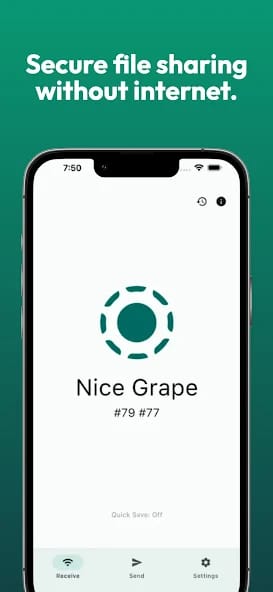
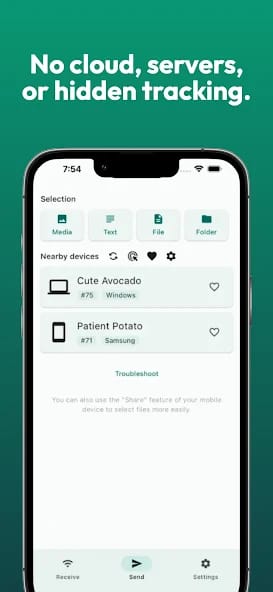
The most striking thing about LocalSend is the profound absence of friction. There is no sign-up process, no account to create, no permissions to wrestle with beyond the initial network and storage access. The entire onboarding consists of installing the app and opening it. Immediately, it lists other devices on the network running LocalSend. To send a file, you tap the device name, select your payload, and hit send. The recipient gets a notification to accept or decline. That's it. This isn't just minimalist design; it's a workflow distilled to its absolute essence.
The Frictionless Exchange
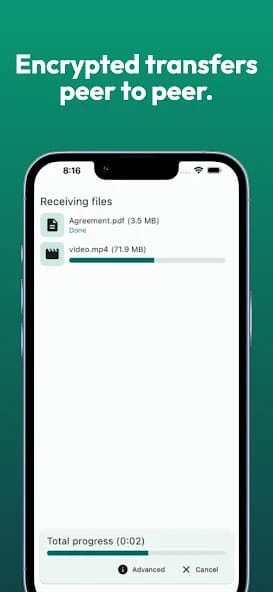
In practice, it feels like magic that has been unburdened by marketing. I moved a 2GB video file from an iPhone to a Windows 11 laptop in under a minute—a task that would typically involve the high latency of a cloud drive upload or the indignity of fishing for a Lightning-to-USB-C cable. The transfer speed is dictated purely by the strength of your local Wi-Fi, and it shows. Photos, documents, and large videos move with an urgency that cloud services simply cannot match.
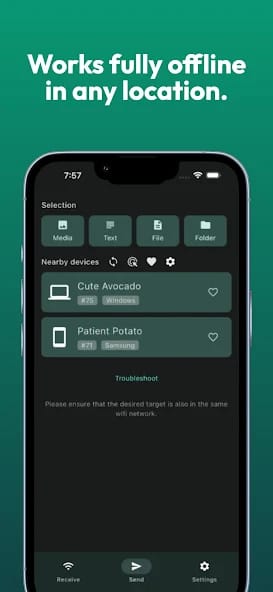
This circumvention of the internet is the application's defining feature. It's a philosophical stance as much as a technical one. In an era of constant data harvesting, LocalSend creates a small, private bubble for your devices. You can share sensitive documents without the nagging fear of them being scanned by a cloud provider's algorithm. You can move files on an airplane, in a remote cabin, or during a network outage. This level of self-reliance is a powerful throwback to a time when our tools served us, not the other way around.
The Desktop Caveat
The experience is near-perfect, but not entirely without fault. The primary hurdle, as noted by some users, involves initial setup on desktop operating systems. Because LocalSend operates as a local network server, it can sometimes be flagged by overzealous firewall software on Windows or macOS. While resolving this is typically a one-time affair—simply creating an exception for the application in your firewall settings—it represents the only moment where the utility’s seamless veneer cracks. For a non-technical user, this could present a moment of frustrating confusion, an unfortunate but perhaps unavoidable consequence of its secure, direct-connection architecture.